From quote to tax,
the professional way
Quotes, contracts, payment requests and payment tracking.
Everything behind the work, in one place.
Quick sign-up · No card needed · No automatic charge after the trial
Get paid,
on time and in full
From quote to contract, payment and tax.
The money conversations you keep putting off, handled in one flow.
Same price, different impression
A line in a chat and a proper quote.
Clients notice the difference.
Get paid for
the work you do
- Everything you’re owed, on one pagePick from your price list and a formal quote is complete.
- Numbers that add upSubtotal, tax, deposit and balance are calculated automatically.
- Out-of-scope work costs extraWrite down where the job ends.
Anything beyond it becomes new work. - Revisions with an endSet how many revisions are included and what counts as one.
- Deposit and balance, agreed upfrontThe quote says what’s awkward to bring up yourself.
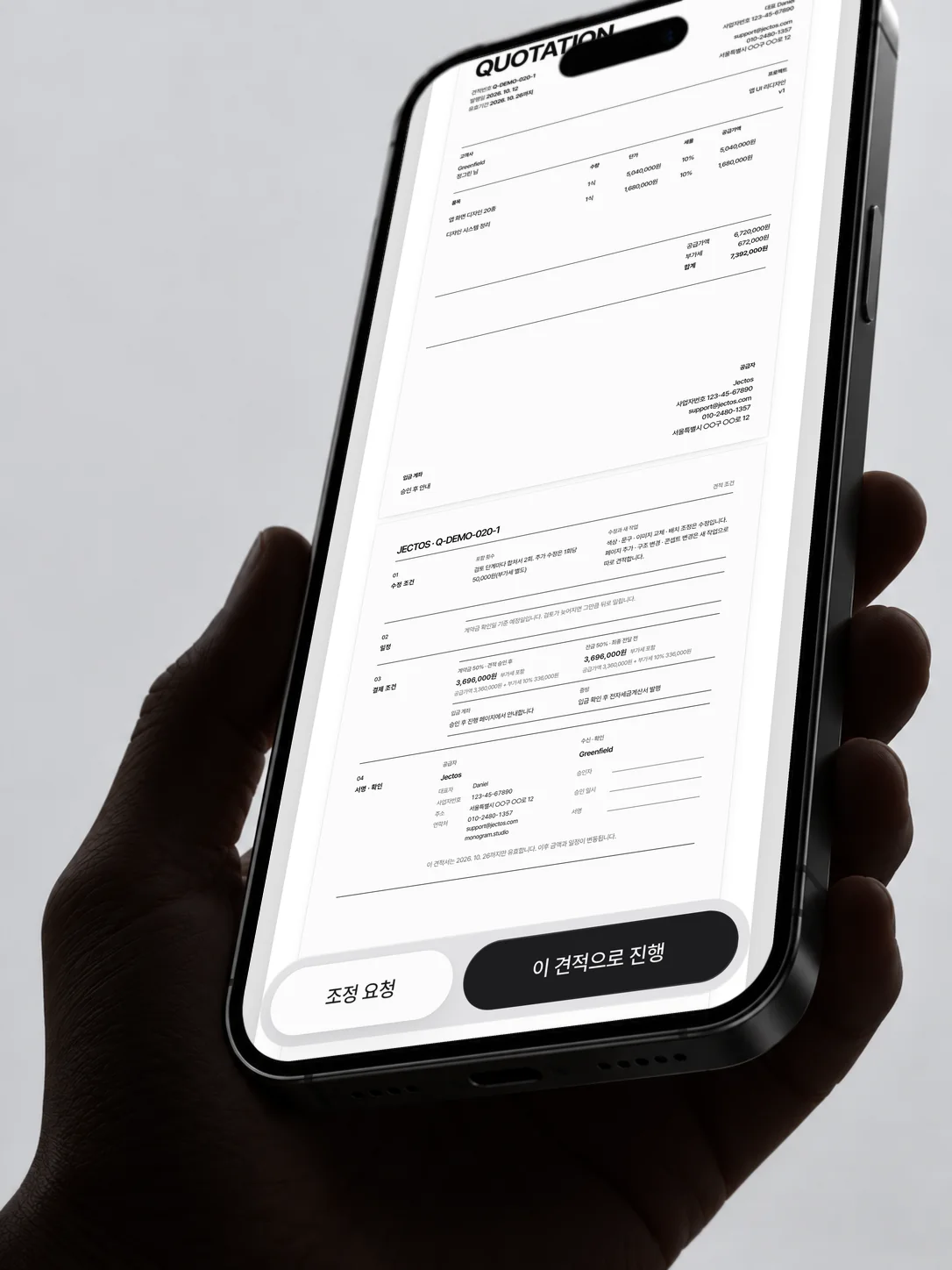
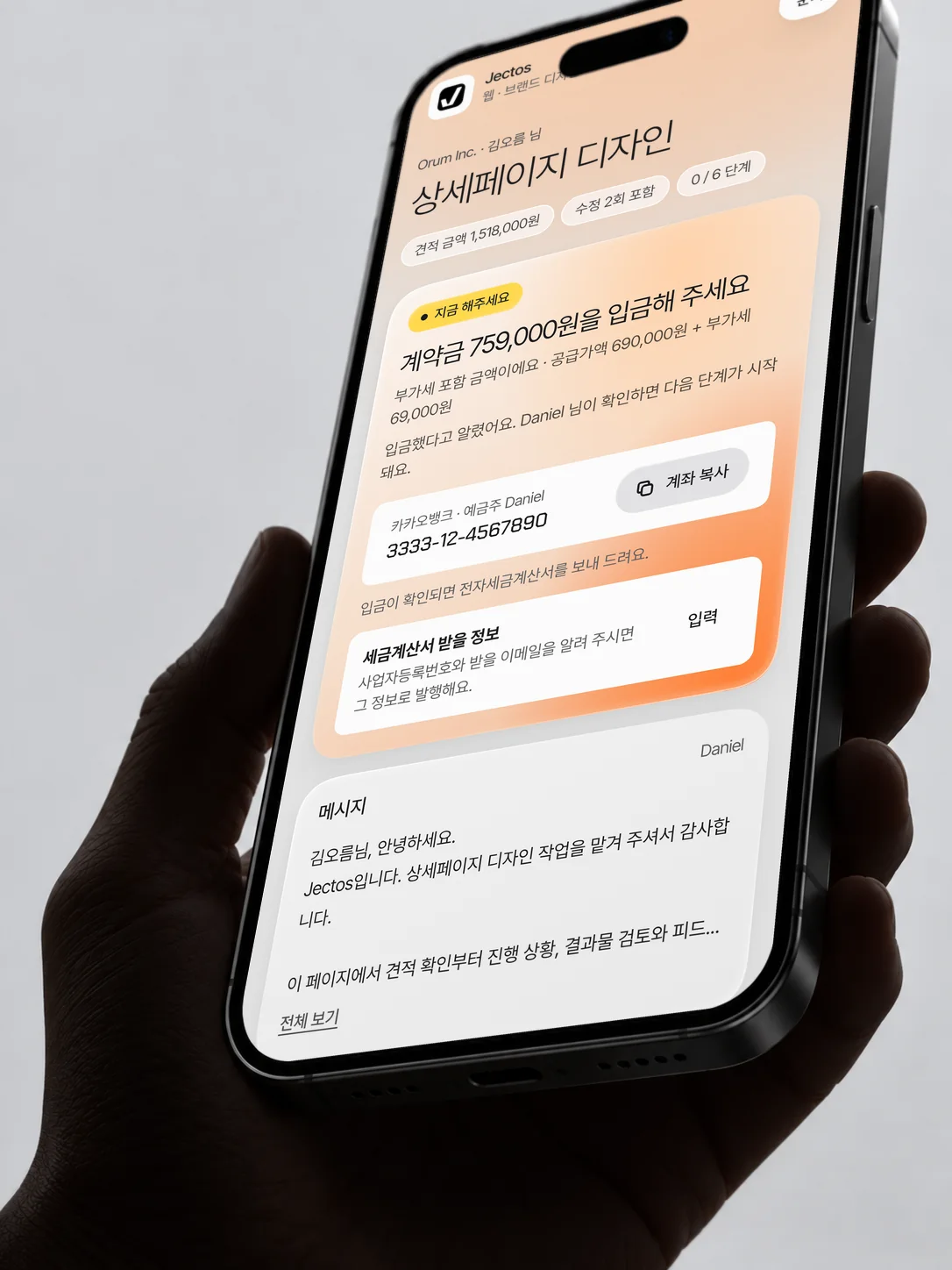
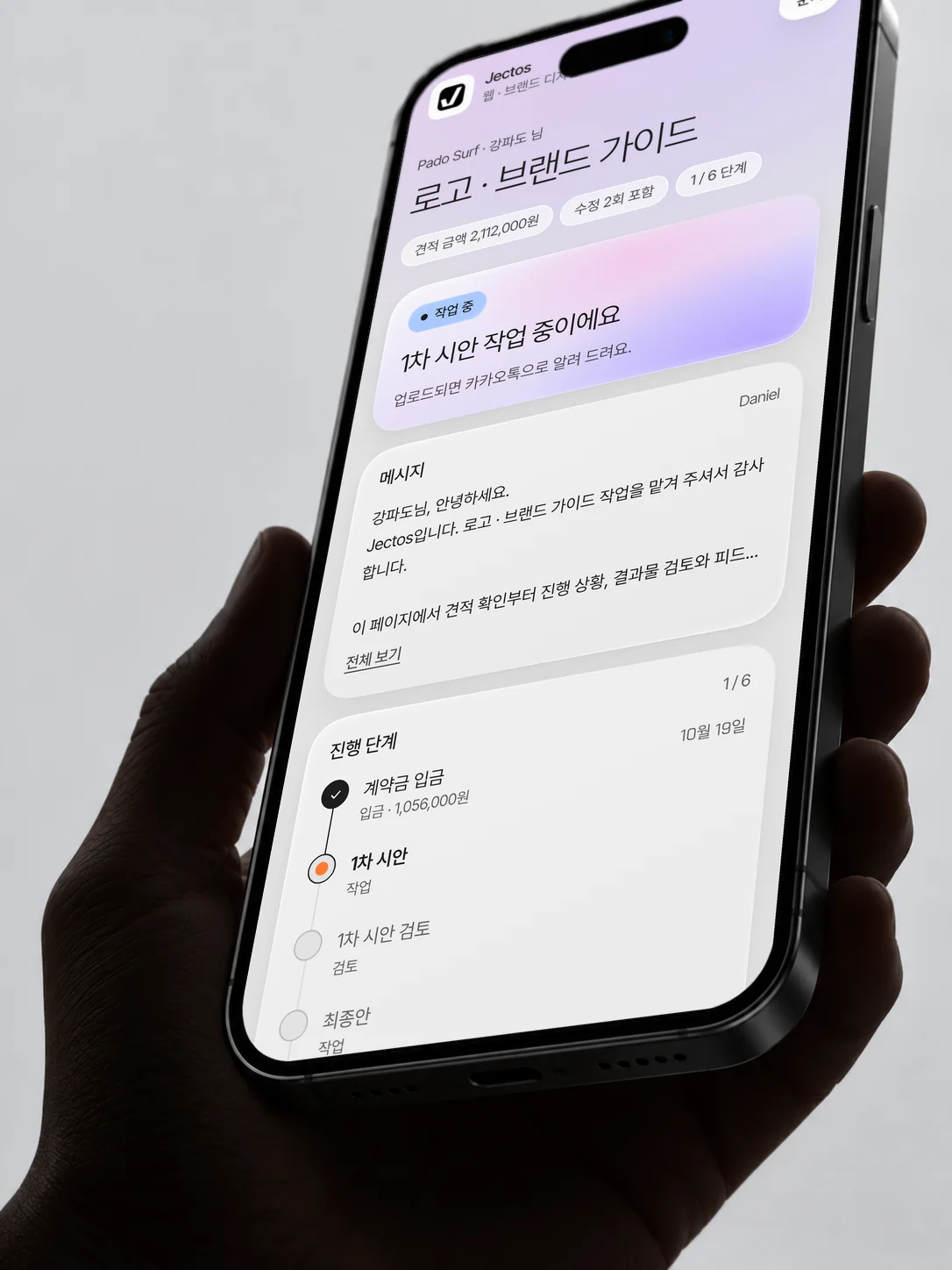
Through the client’s eyes

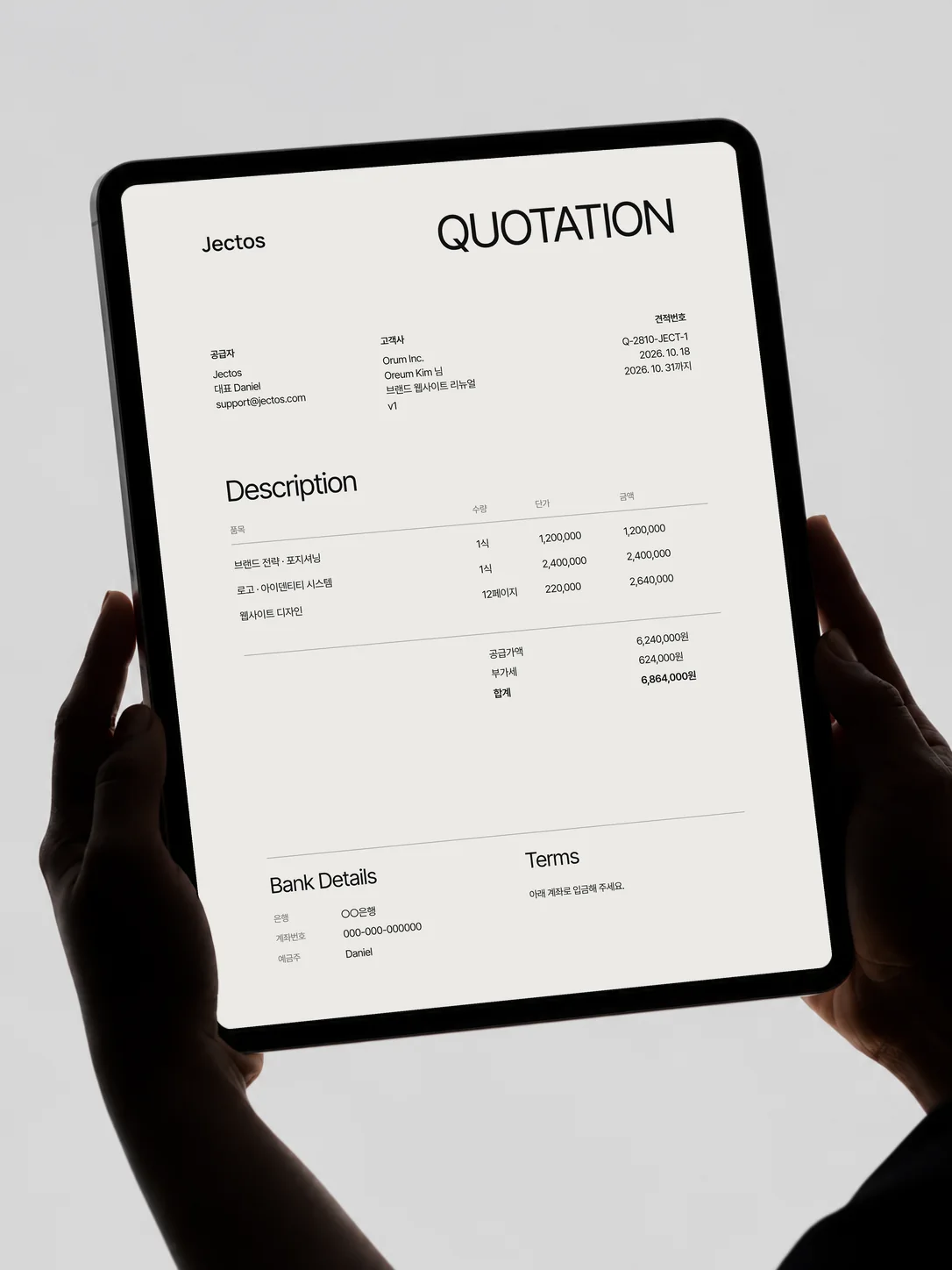
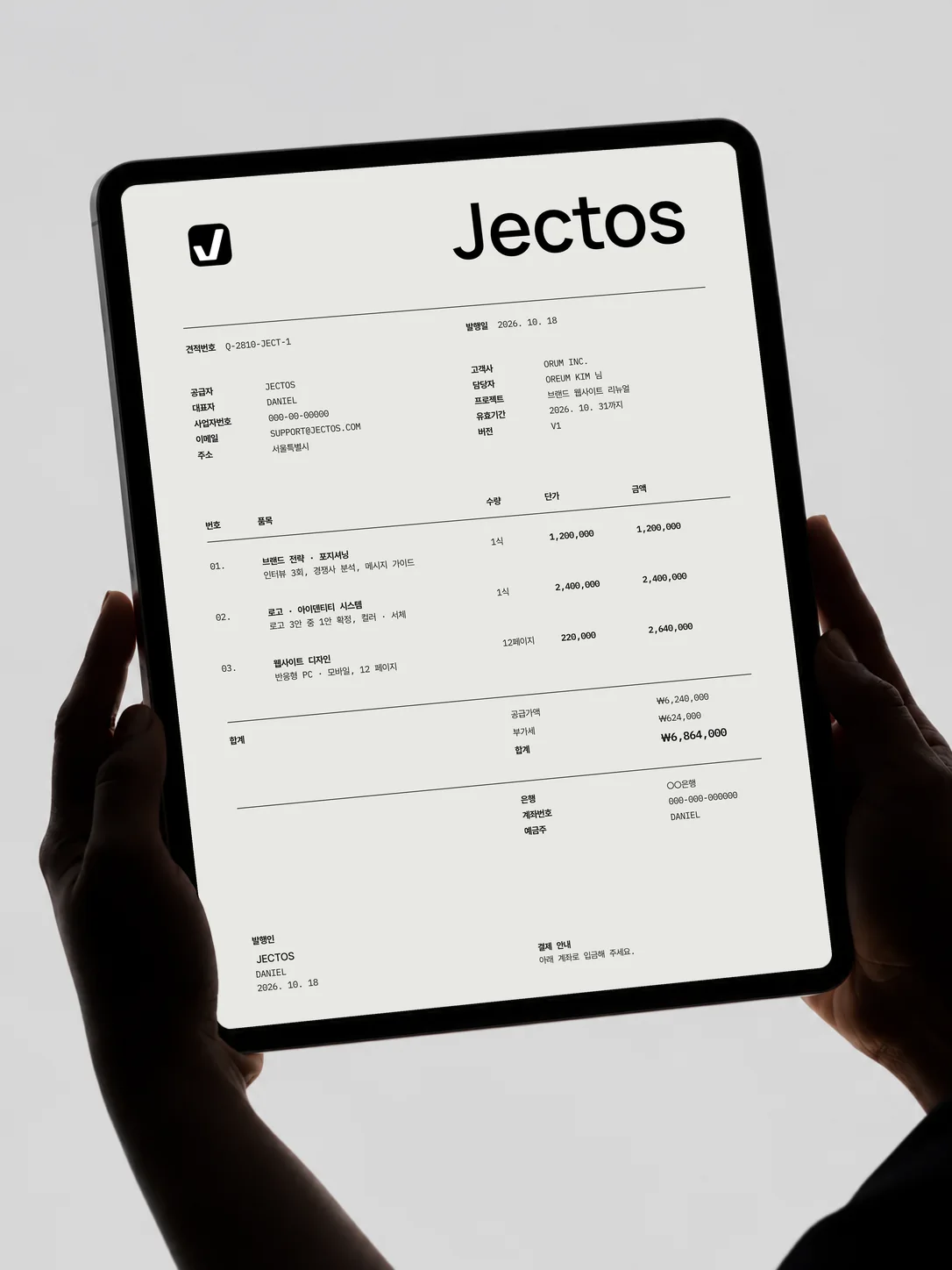
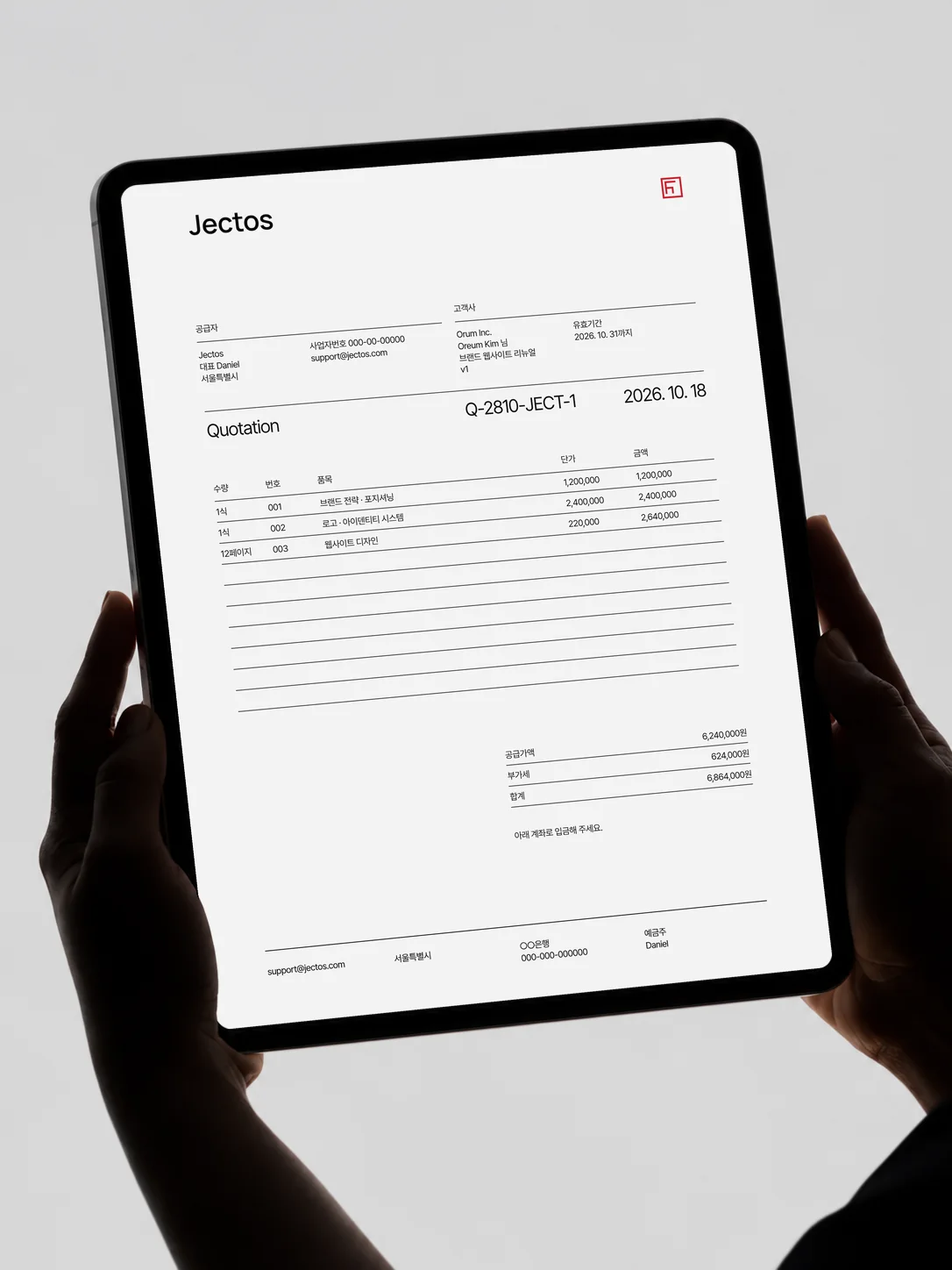
02Quote
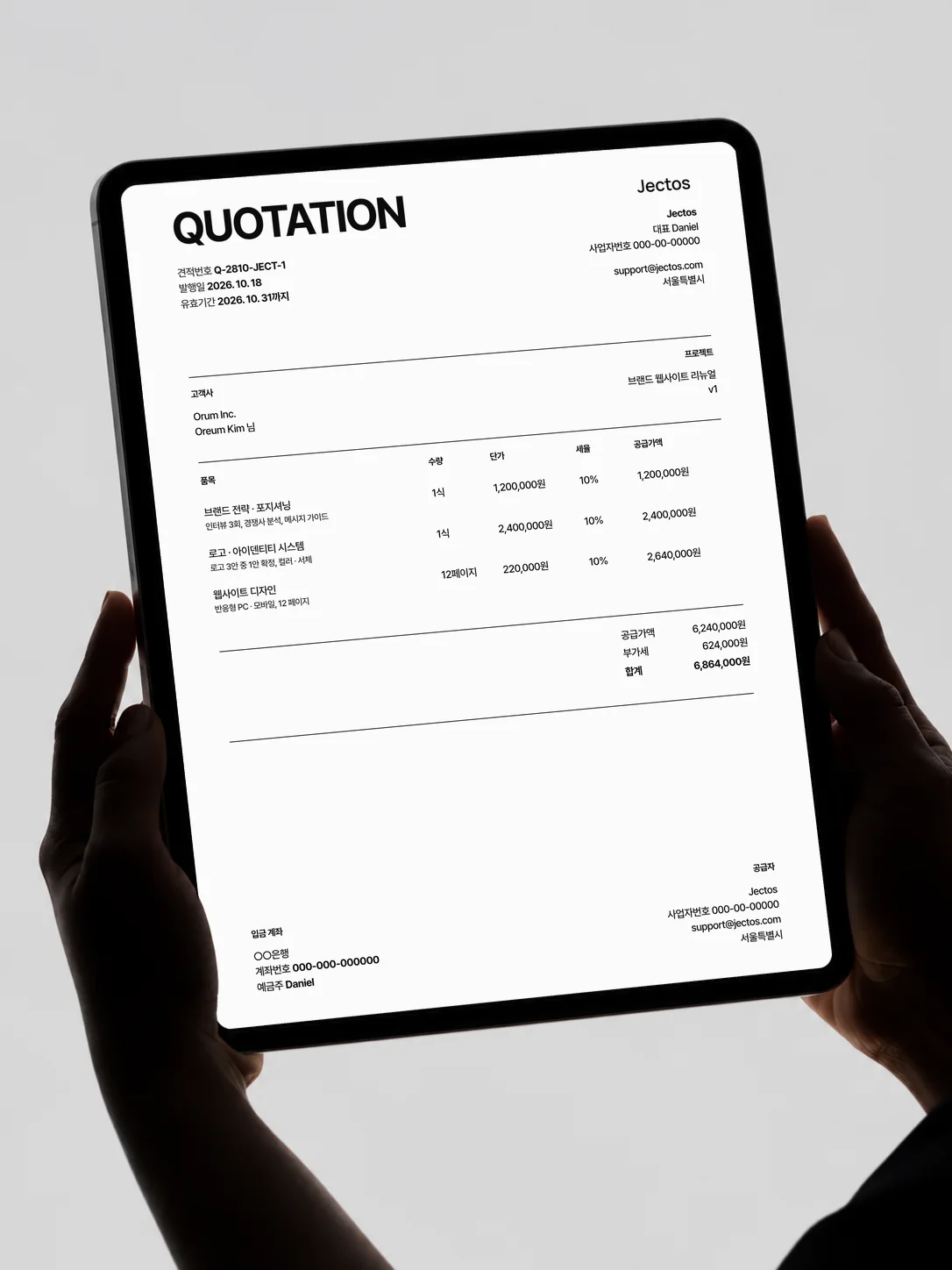
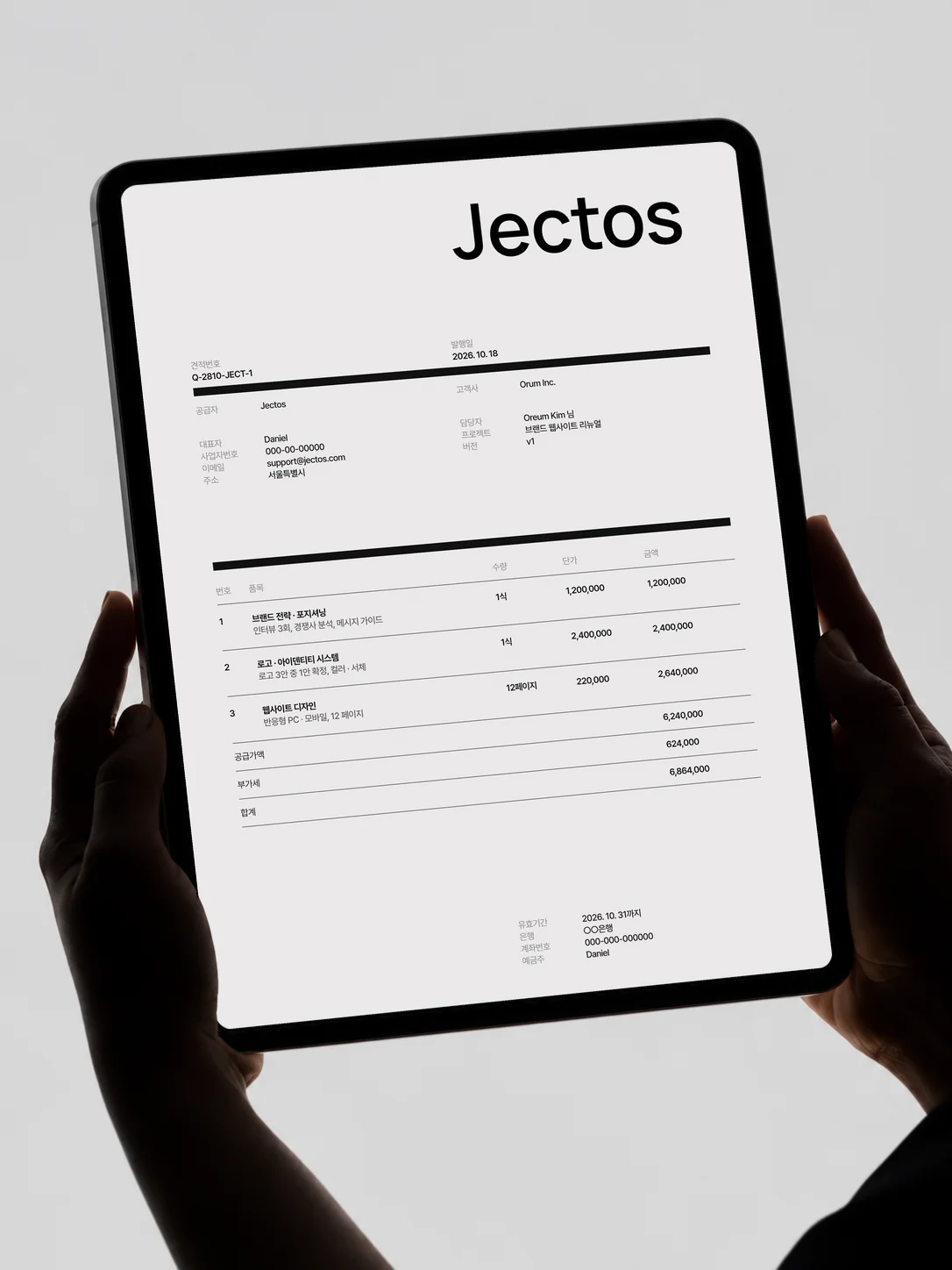
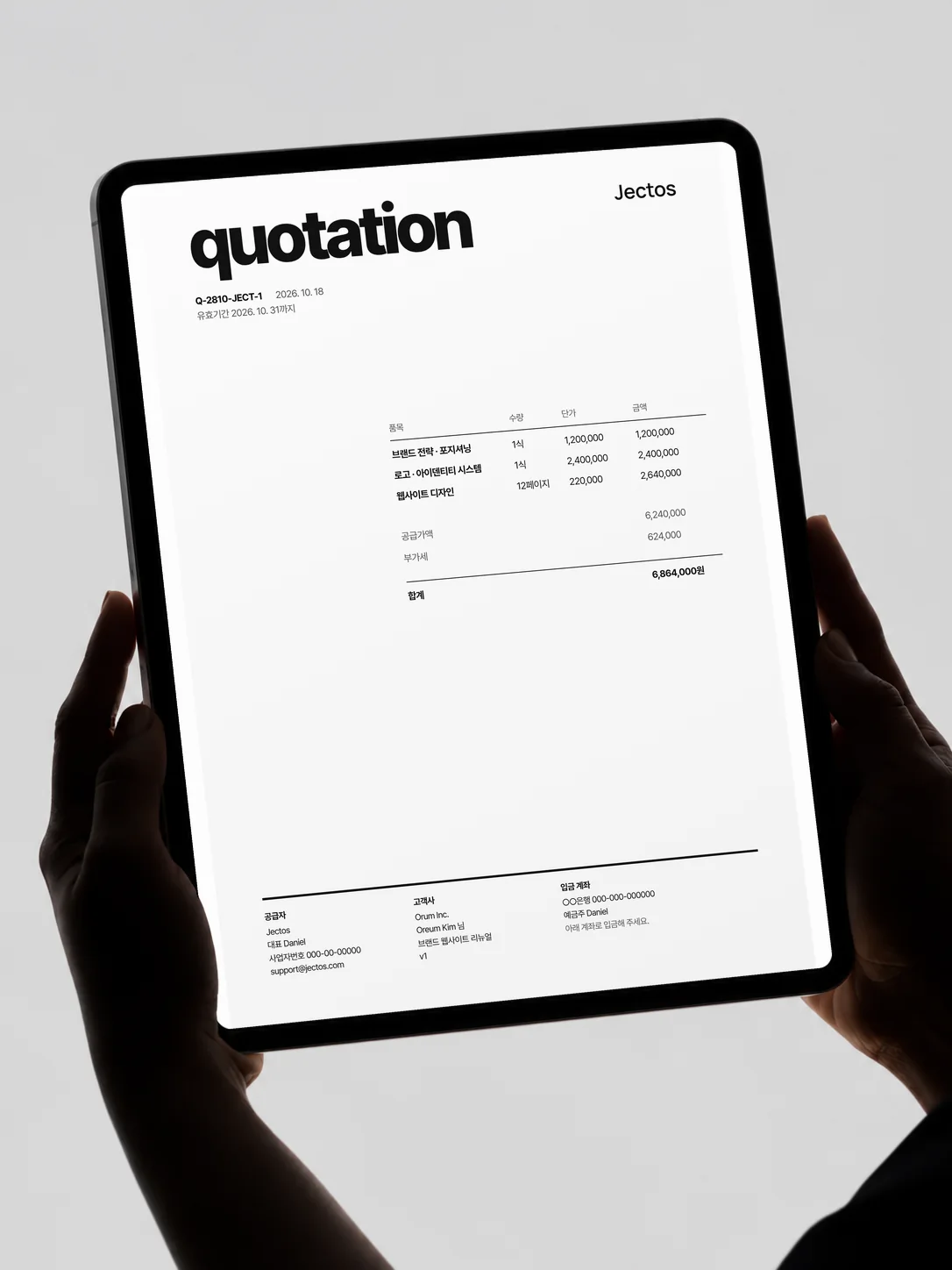
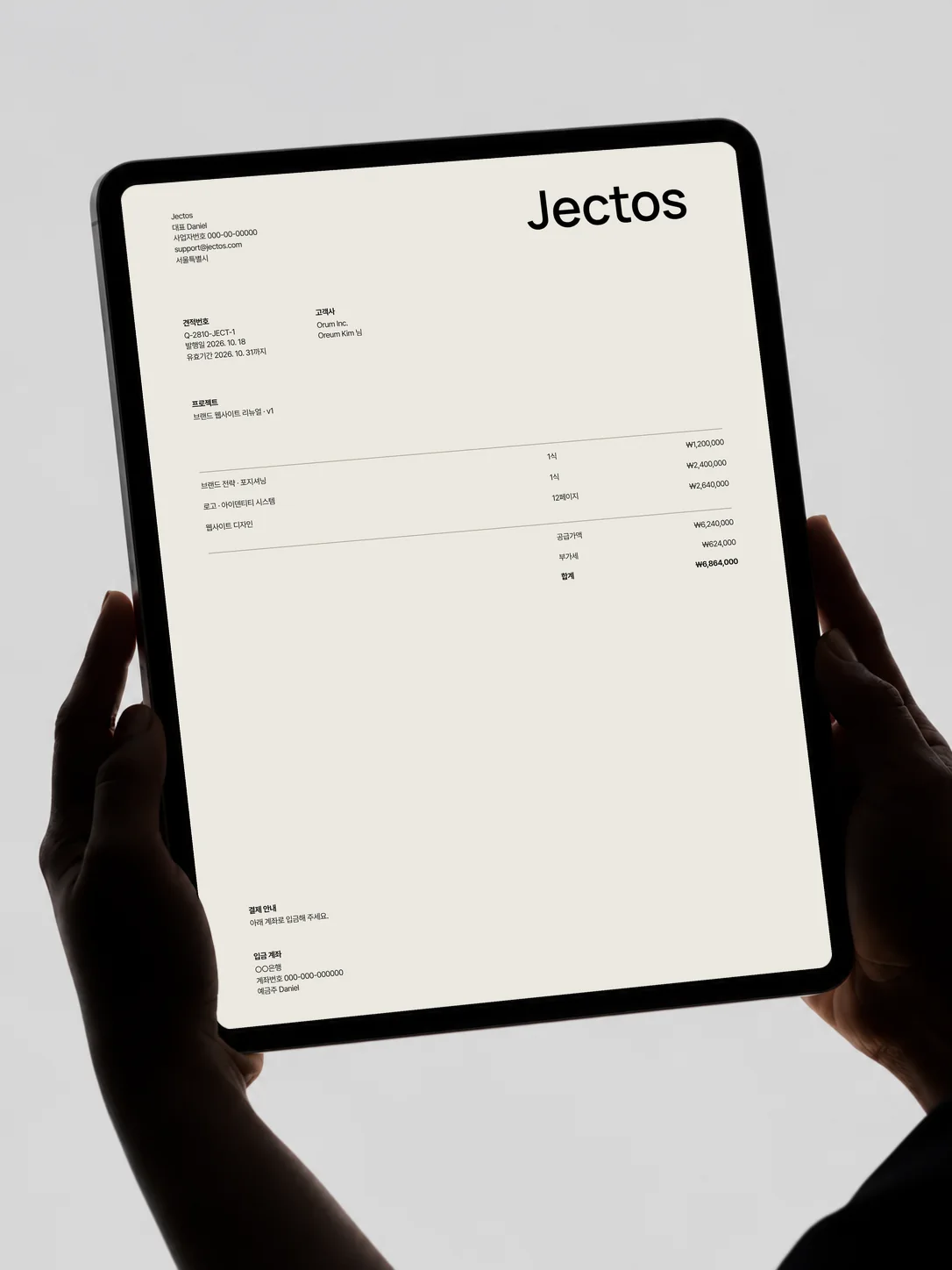
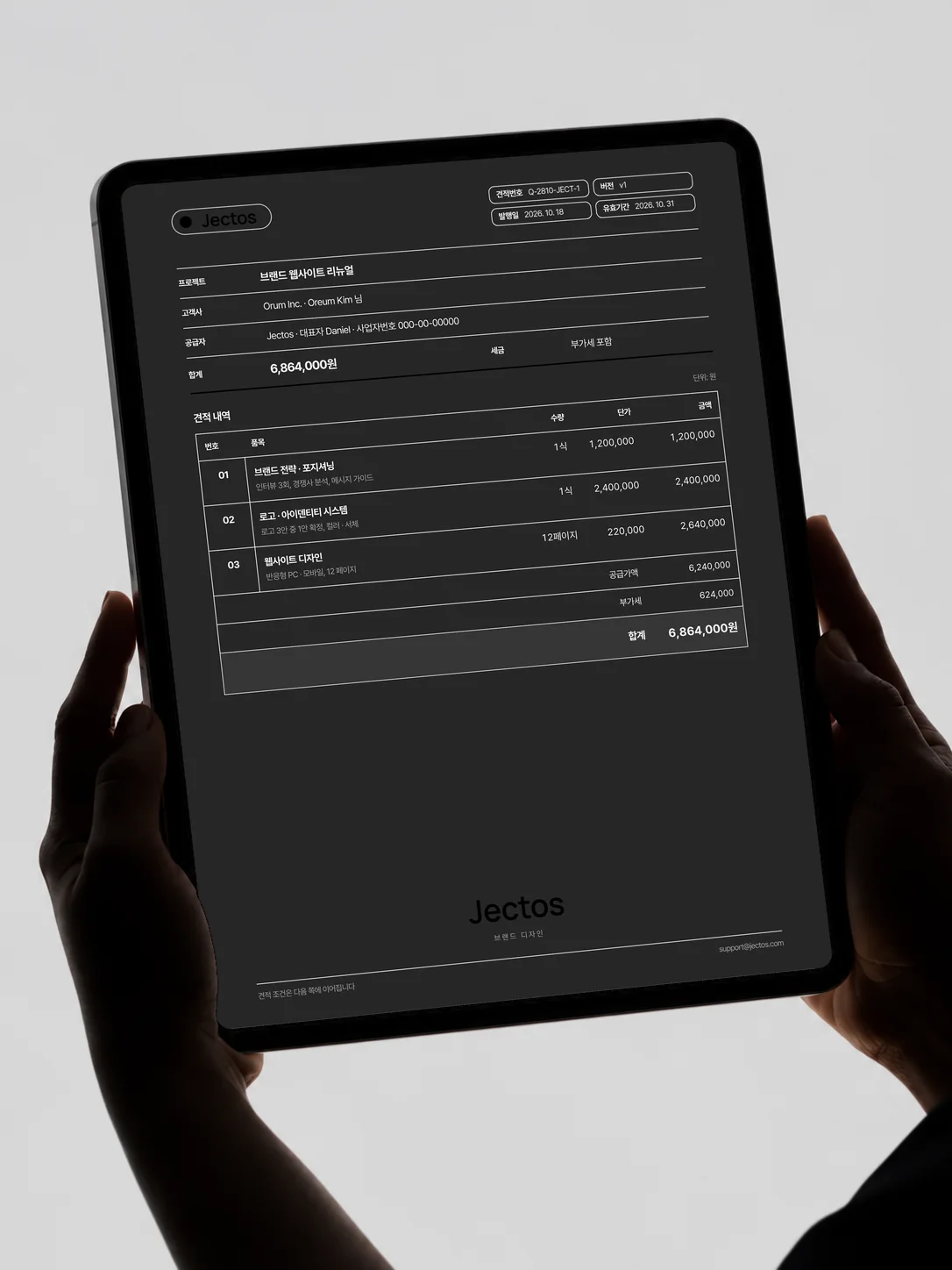
A quote that
looks like your brand
Logo, brand color and layout, all yours.
You choose the first document your client sees.
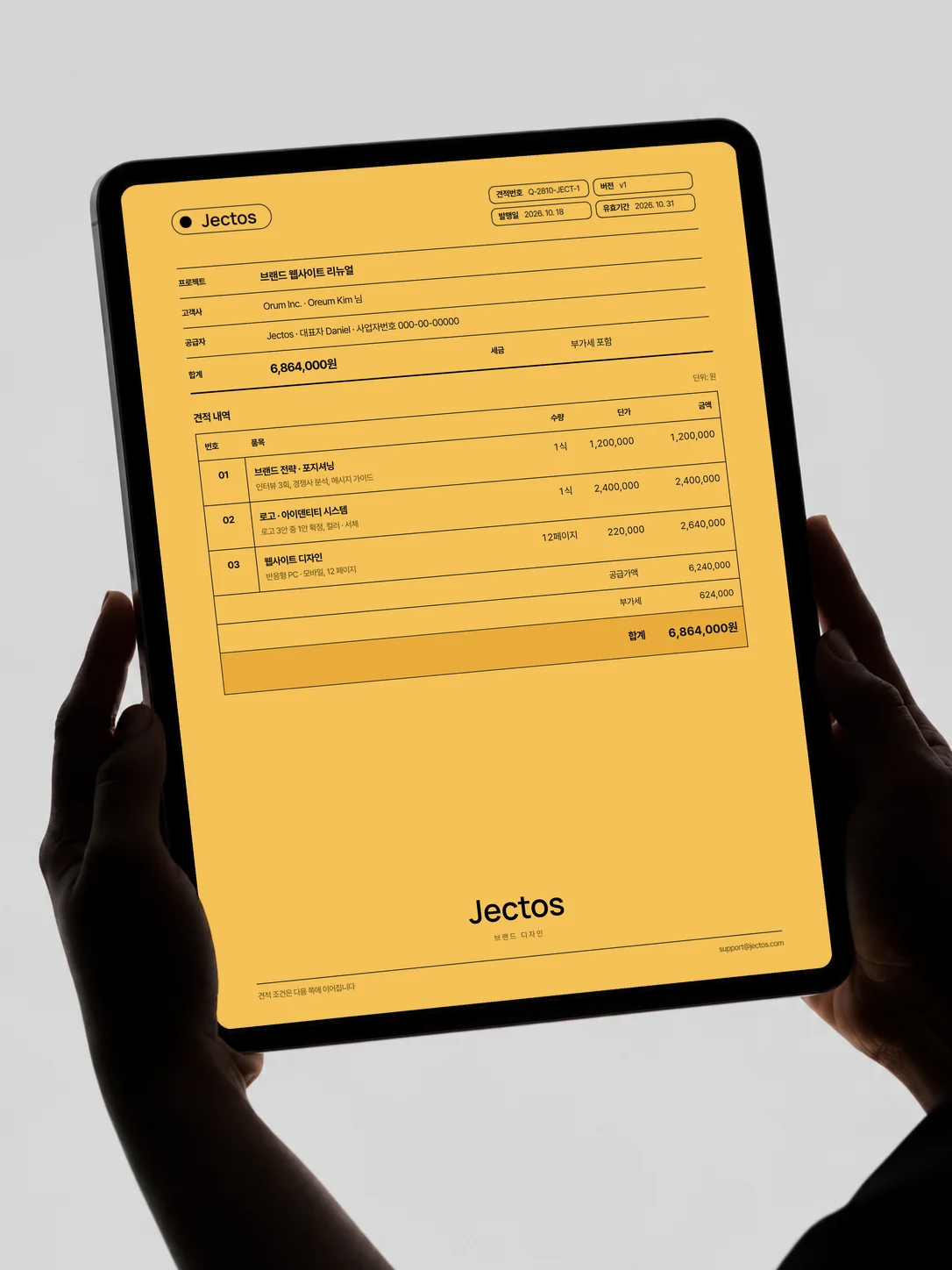
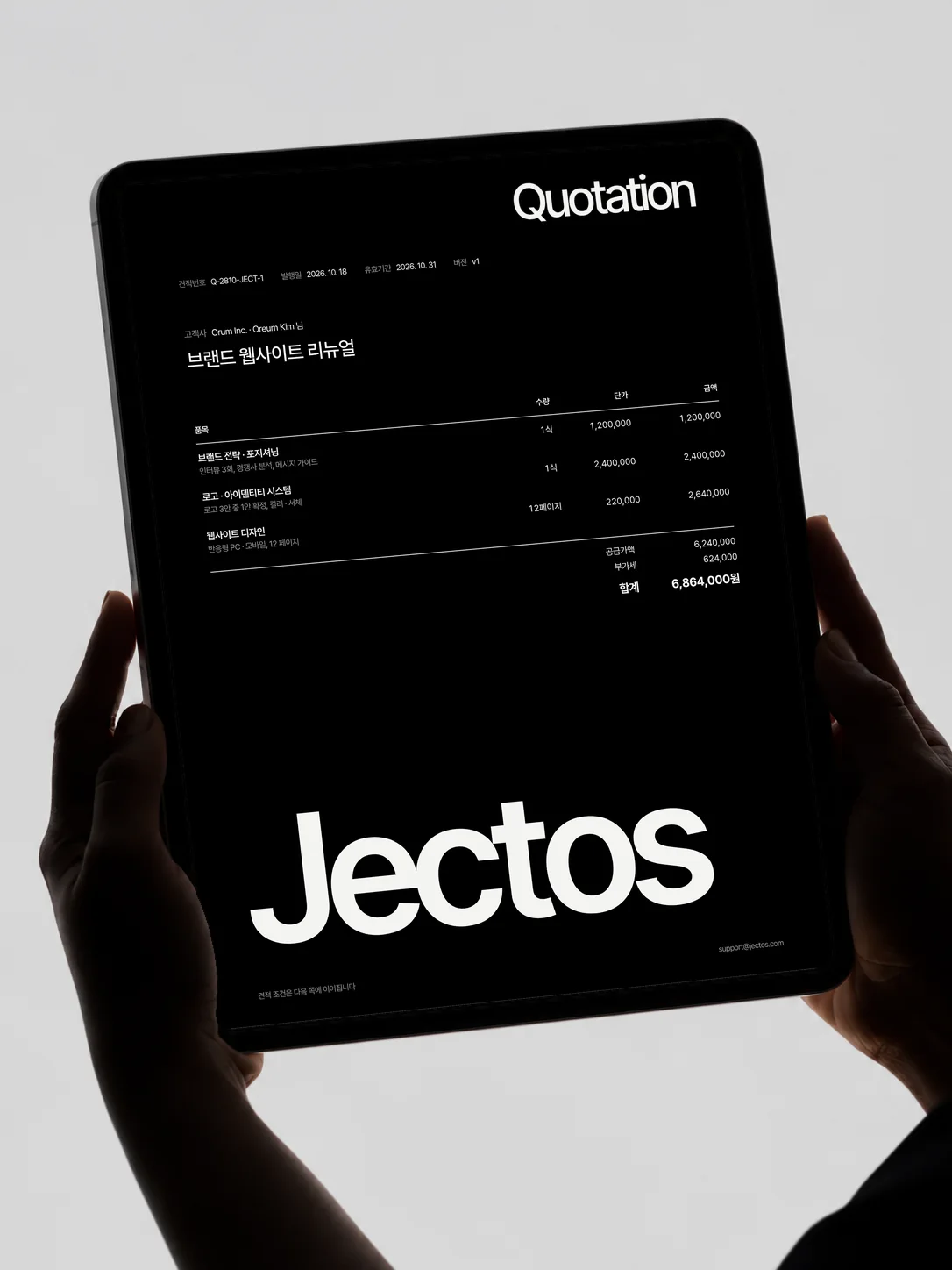
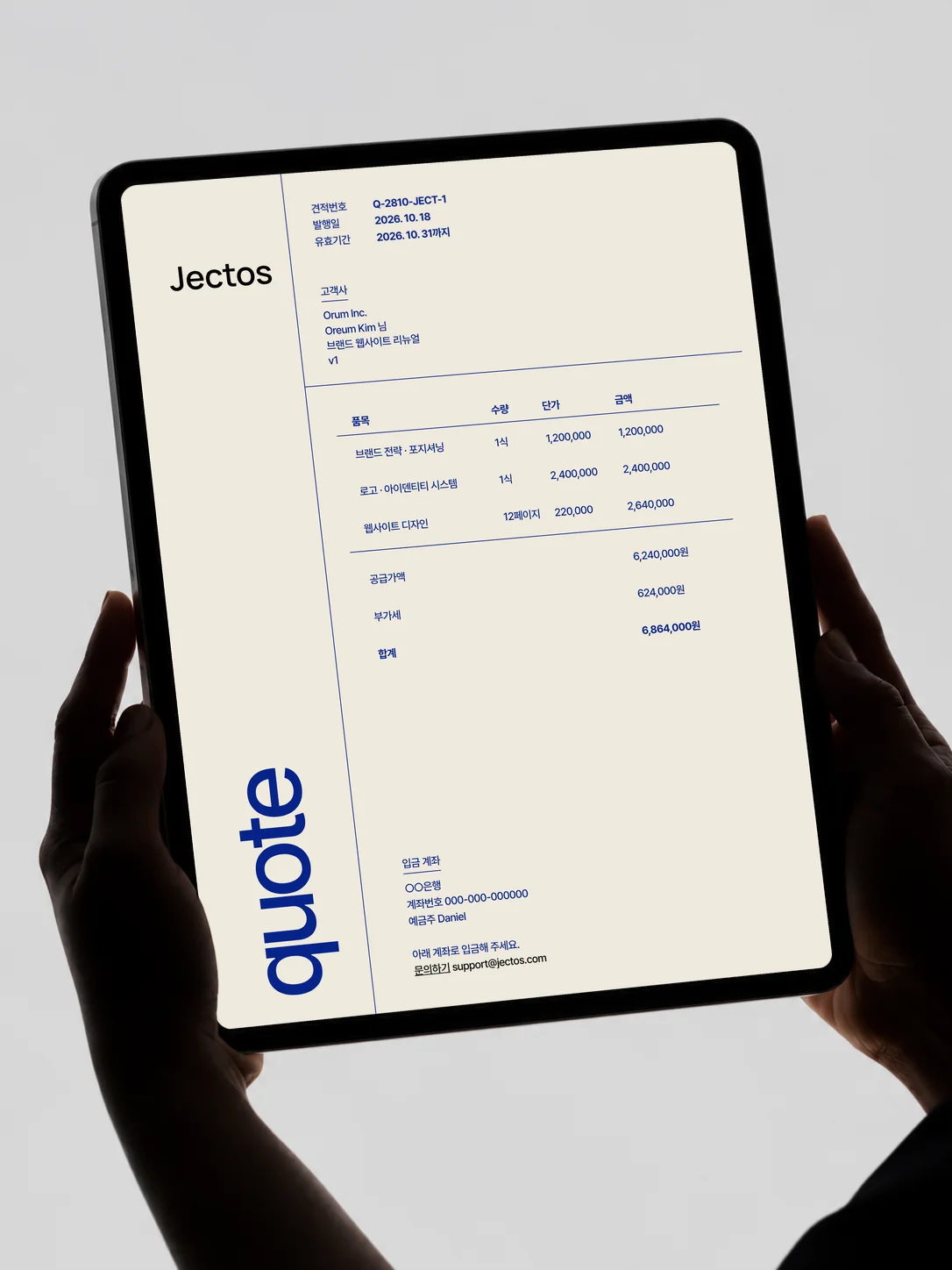
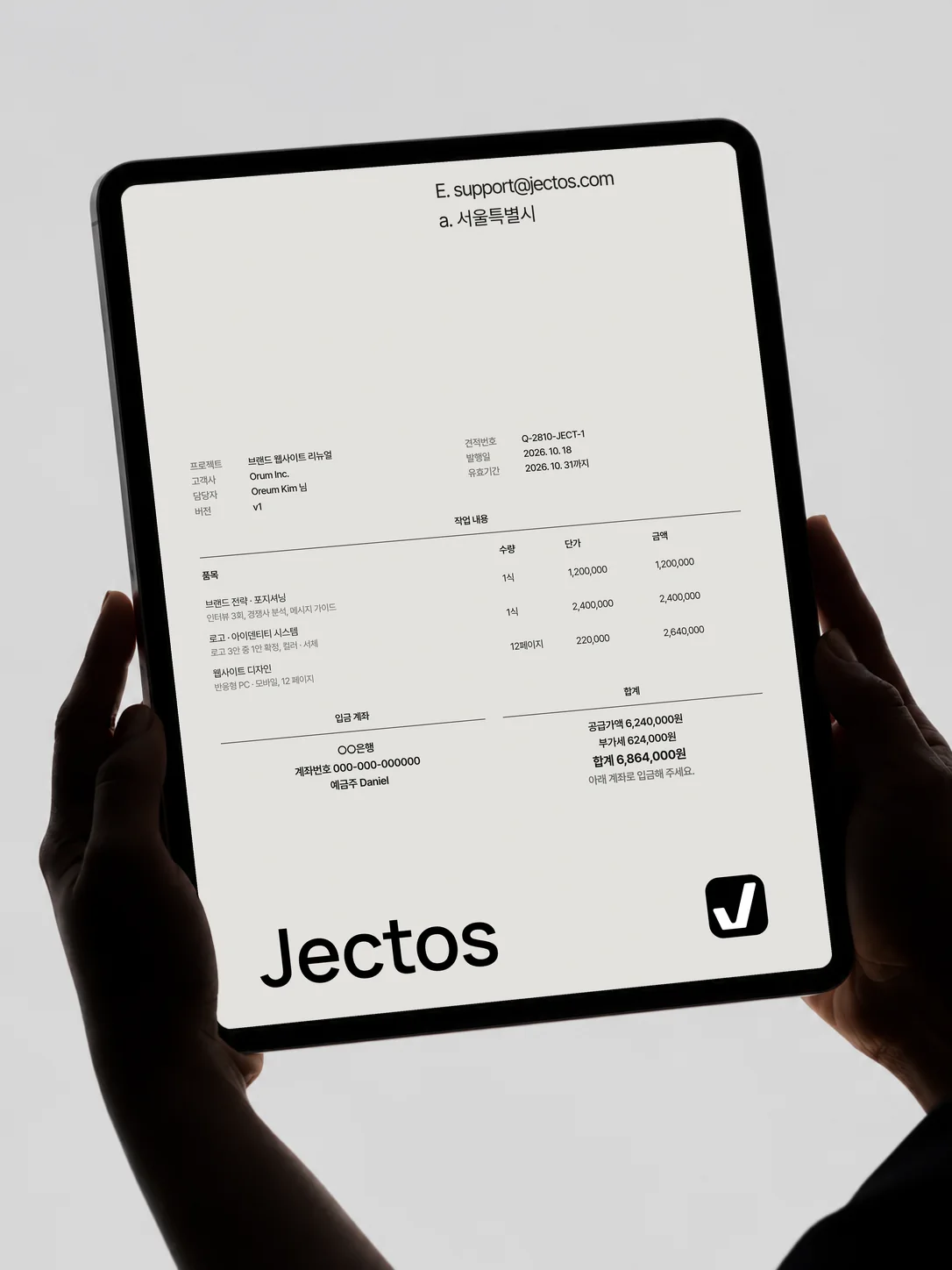
Task board
Stay organized
Drag a card and you’re done.
Today’s work comes first.
A private board your clients never see.
Client brief · Pro
Collect materials like a pro
For a website: logo files and reference sites.
For a business card: the details to print.
Set what you need for each type of job and send it with the quote.
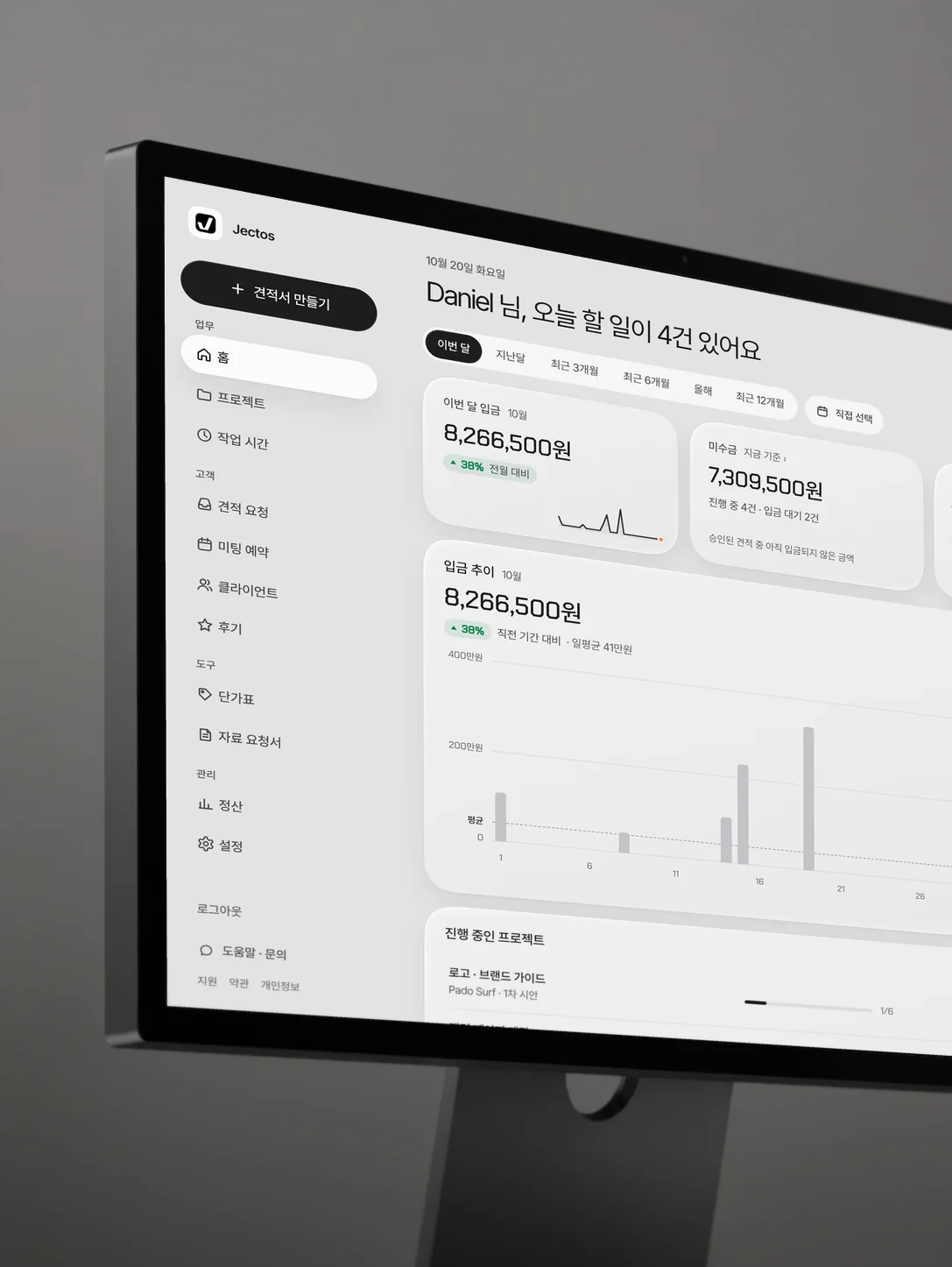
03Dashboard
Watch your
business grow
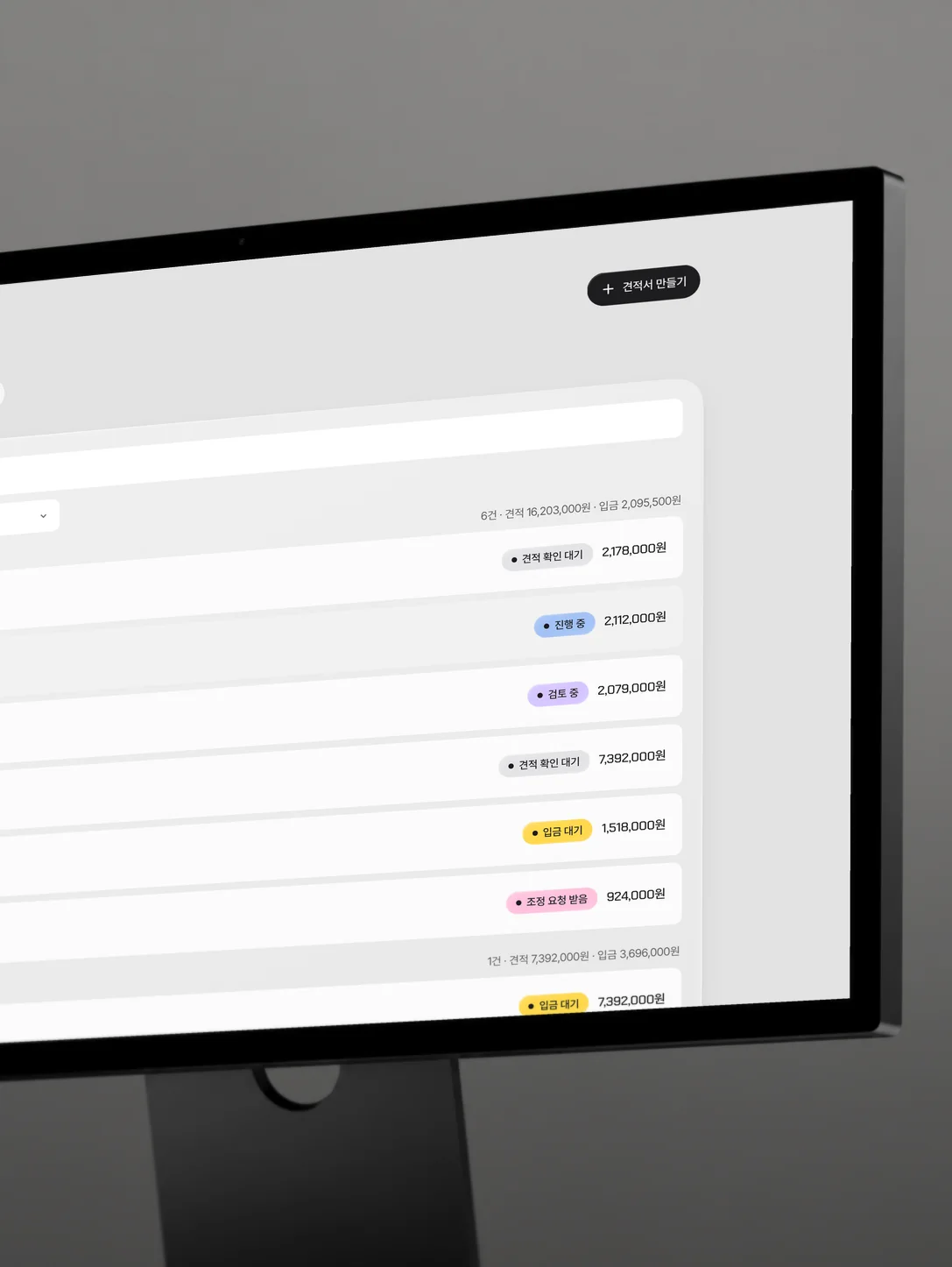
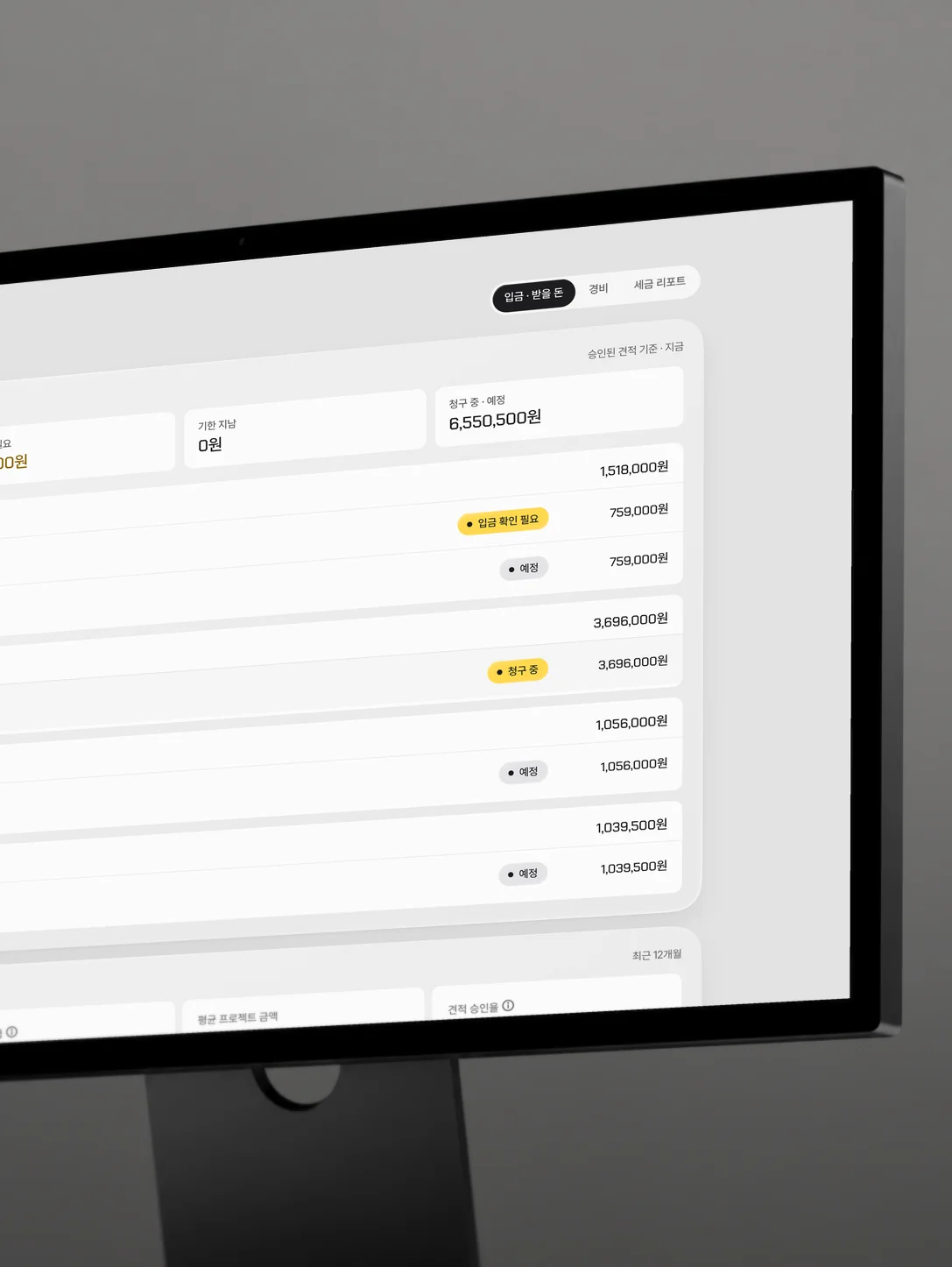
From the first quote
to tax time, in one place
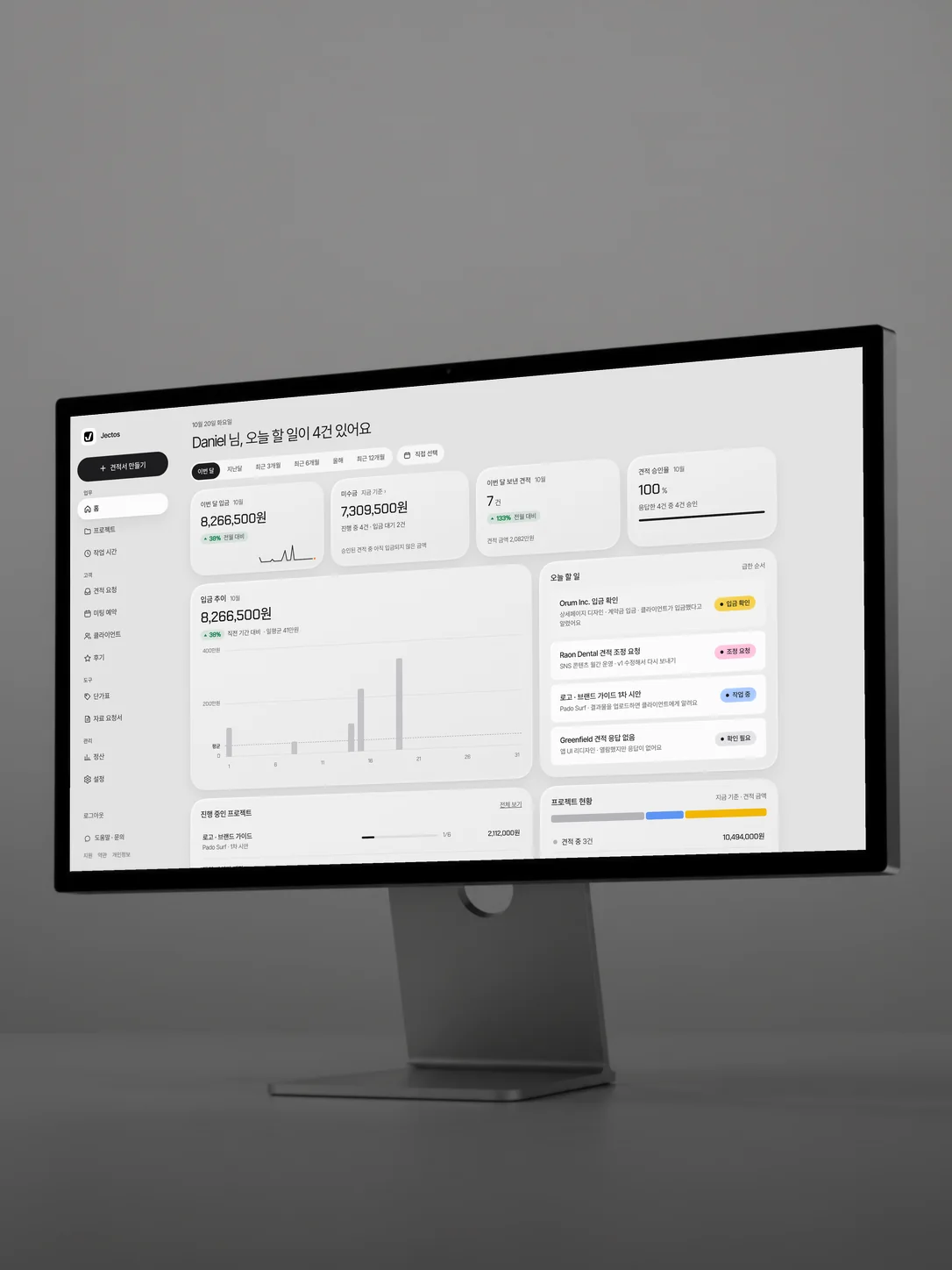
The things freelancers juggle separately, joined into one flow.
QuotesBefore you send
- Formal quotes from your price list
- Tax calculated for your tax type
- Quote templates in your branding
- Quote request form and AI draft quotes
ContractThe moment of approval
- Contract created on approval
- Save your signature and seal
- Approval record PDF
- Scope and revision terms spelled out
PaymentThe awkward money talk
- Payment instructions by message
- Set the deposit and balance split
- Payment tracking and a receivables board
- Tax invoice helper
ProgressWhile you work
- Project task boards
- Revision requests marked on the draft
- Revisions counted for you
- Client briefs and time tracking
ManageAs work piles up
- Client management
- Booking page
- Client chatbot
- Team invites and project owners
TaxAt payout time
- Monthly earnings
- Tax reports (estimated income and sales tax)
- Expense log and receipt storage
- Bookkeeping CSV export
Keep sensitive details safe
You can replace a link at any time.
Try it first.
Choose when you’re sure.
Every feature is free for 14 days.
Send your first quote, then decide.
Basic plan
For freelancers getting started
Billed monthly · cancel any time
- Unlimited quotes and projects
- Clients, notes and task board
Pro planRecommended
For freelancers working as a brand
Billed monthly · cancel any time
- Everything in Basic
- Your logo, color and template on quotes
- Booking page
Team plan
For studios and agencies working together
Billed monthly · cancel any time · $8 per extra seat/month
- Everything in Pro
- Invite teammates · Admin and Member roles
- Assign projects · view only yours
- Start without a cardUse every Pro feature for 14 days.
- No automatic chargesNothing is charged when the trial ends.
- Cancel any timeAfter you cancel, you can still view your quotes and income records at any time.
Prices are in US dollars and exclude taxes. Sales tax, VAT or GST is added at checkout based on your billing details.
Know-how for freelancers
Quotes, deposits, revisions and client management, answered briefly.
What is good quote software for freelancers?
A spreadsheet works, but sending the quote, getting it approved and confirming payment are separate chores. Jectos is a quote, contract, progress and payment service for freelancers. Pick items from your price list and it builds a formal quote with scope, revision limits, deposit and balance, and VAT or sales tax. Send it by link and the client approves it online. After a 14-day free trial (no card), Basic is $14,900 a month, VAT included.
Can I make a freelance quote template for free?
A quote should carry a quote number, validity period, line items and amounts, tax, what is in scope and what is not, the number of revisions and the fee for extra ones, the deposit and balance split, and a schedule. In Jectos those fields come pre-filled, and you can create and send quotes for free for 14 days and save them as PDF.
How do I manage everything from quote to payment in one place?
The key is one flow: quote approvaldepositwork and draft reviewsbalancefinal files. Jectos runs those steps on a single client link. When you confirm a payment, the next step opens, and payments roll up into monthly earnings.
Is there a client management app for freelancers?
Jectos includes client management. See each client’s company and contacts, past projects with amounts, and your notes in one place, and pull a returning client into a new quote in a click. Contact details are stored encrypted.
What is a good way to share project progress with clients?
Instead of scattering files and dates across chat threads, give each client one progress page. Jectos creates a private link per project showing the current stage, what comes next, payment instructions, draft reviews and revision requests, and a record of what happened. Clients do not need an account.
What is a good work-management tool for a one-person studio?
Solo studios tend to track tasks and money separately. A general to-do app plus a tool that connects quotes, progress and payments leaves fewer things to slip. Jectos gives you a task board and notes per project, quote and payment stages, and revenue trends on the home dashboard.
How do I manage deposits and balances?
Write the deposit and balance split and timing into the quote (for example, 50% on approval and 50% before final delivery), and move to the next step only once payment is confirmed. In Jectos you set the split, it divides tax and calculates each amount, the next step stays locked until you confirm payment, and the client taps “I paid” after transferring. Jectos does not process payments, so the money goes straight to your account.
How do I manage revisions on client projects?
Agree upfront on how many revisions are included, what an extra revision costs, and what counts as a revision versus new work. Jectos counts the remaining revisions each time a client sends a request and tells them about the extra fee before the limit is passed.
Can I send a quote by link and get approval online?
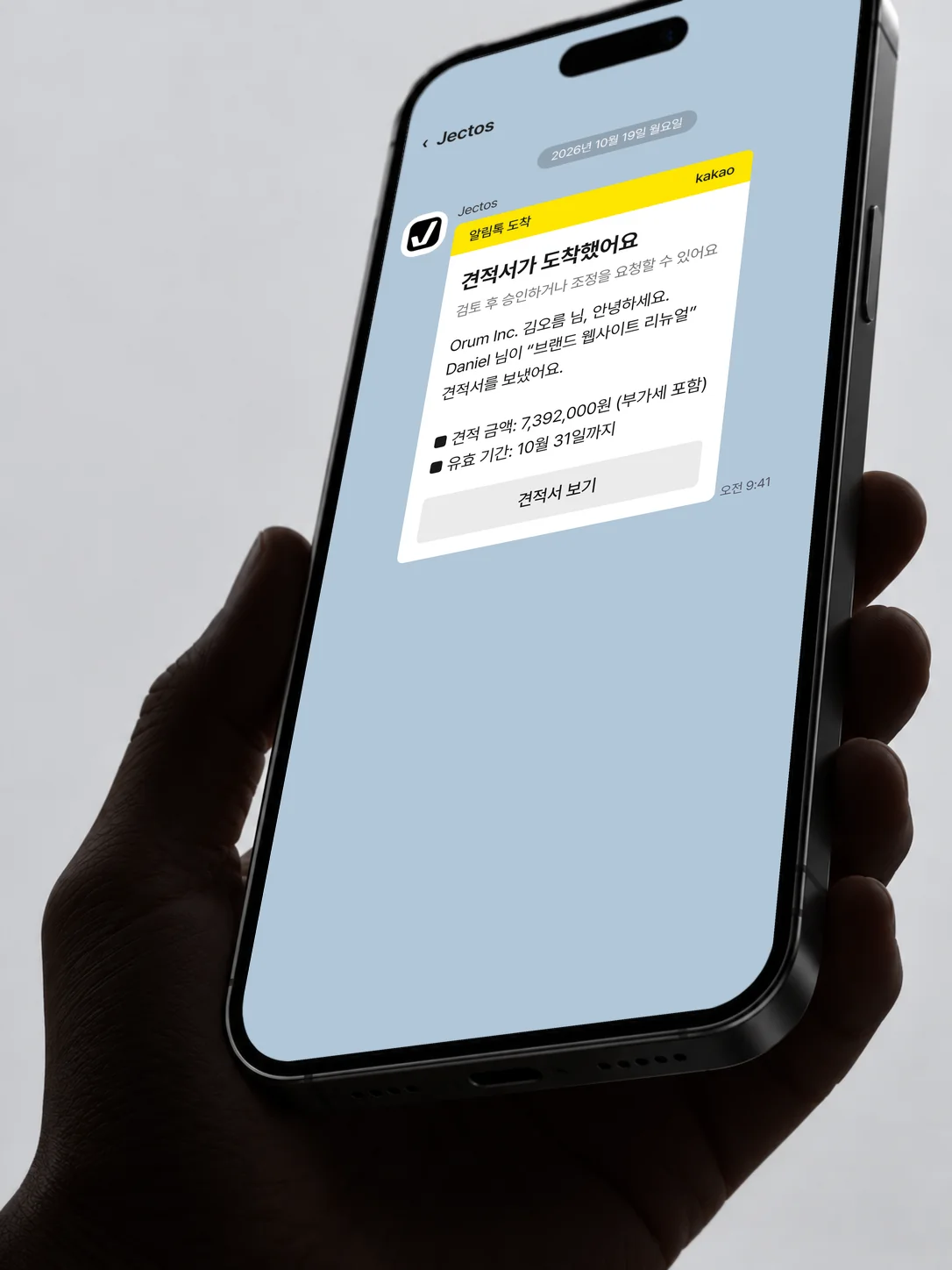
Yes. Sending a quote in Jectos creates a private client link. The client reads the quote on their phone and approves it or asks for changes. Approval is confirmed with the last four digits of their phone number, and the approver’s name, time and version are recorded. If they ask for changes, you can send a new version with the differences marked.
How do I collect logos and reference files before work starts?
Make a checklist of what each type of job needs and request it all at once. The brief form in Jectos Pro ($24 a month) lets you set up items such as logo files, reference sites, copy and deadlines for each type of work — website, logo, business card, product page — and send it with the quote. The client answers and uploads files from the link.
Jectos at a glance
- What
- Quote, contract, progress and payment service for freelancers
- Who it’s for
- Freelancers and one-person studios who quote and take on work
- Pricing
- 14-day free trial (no card) · Basic $12/month · Pro $24/month · Team $39/month (3 people) · prices exclude taxes
- Client
- Clients review and approve quotes from a link without signing up, confirmed by the last 4 digits of their phone number
- Money
- Deposits and balances go straight to your account. No payment processing fee
- Security
- Client contacts and bank details are stored encrypted, and the account is revealed only after approval
FAQ
Can I use it if I have never written a quote?
Yes. Scope, revisions and payment terms are filled in by default.
Adjust them to fit your work.
Do clients have to sign up?
No. They open the link you send them.
They only confirm their identity with the last four digits of their phone number when approving.
I don’t know much about tax. Is that a problem?
Jectos doesn’t choose a tax rate for you.
Enter the rate that applies to you once in your profile, or leave it at 0 if you don’t charge tax, and it is shown on your quotes, deposits and balances.
Tax rules differ by place and are yours to verify; Jectos provides tools, not tax advice.
Will I be charged automatically when the trial ends?
No. We don’t take a card for the trial, so nothing can be charged.
When it ends, your account moves to archive mode, and you can continue right away by choosing a plan.
When am I charged?
The first charge happens when you choose a plan and press pay.
After that you are charged on the same day each period.
Paying during the trial does not shorten it.
How do I cancel?
Cancel in settings and the next charge stops.
The period you already paid for stays active until it ends.
Your quotes and records remain viewable after you cancel.
Your next quote,
the professional way
Quick sign-up · No card needed · No automatic charge after the trial